
Download Nebula – Neo Geo emulator, CAPCOM CPS2 emulator, retro gaming, classic arcade games, Street Fighter emulator, free emulator, play old games
Overview
Nebula is a dedicated emulator designed to deliver an authentic retro gaming experience by bringing classic Neo Geo titles to modern computing platforms. Its primary function centers on CAPCOM CPS2 emulation, enabling users to play iconic arcade games such as Street Fighter, Dungeons & Dragons, and various Marvel character-based titles. This focus makes Nebula a valuable tool for enthusiasts seeking to relive the golden era of arcade gaming without the need for original hardware. The app serves as a digital gateway to a library of nostalgic titles, offering a convenient way to access and enjoy these games on personal computers.
Target users include retro gaming aficionados, collectors of classic arcade titles, and younger players exploring vintage game history. The developer, Nebula Team, has created a lightweight yet capable tool that emphasizes accessibility and performance. Although specific details about the team’s background are not publicly available, the app’s design suggests a strong understanding of emulator architecture and user expectations. Real-world use cases include home arcade setups, digital preservation of legacy games, and casual gaming sessions on desktop systems. In the broader app ecosystem, Nebula fills a niche for free, specialized emulators that prioritize compatibility and ease of use over extensive multimedia features.
Key Features & Functionality
- CAPCOM CPS2 Emulation – Nebula specializes in accurately replicating the hardware environment of CAPCOM’s CPS2 arcade system, allowing users to run titles like Street Fighter II, Marvel Super Heroes, and Dungeons & Dragons: Shadow over Mystara with minimal compatibility issues.
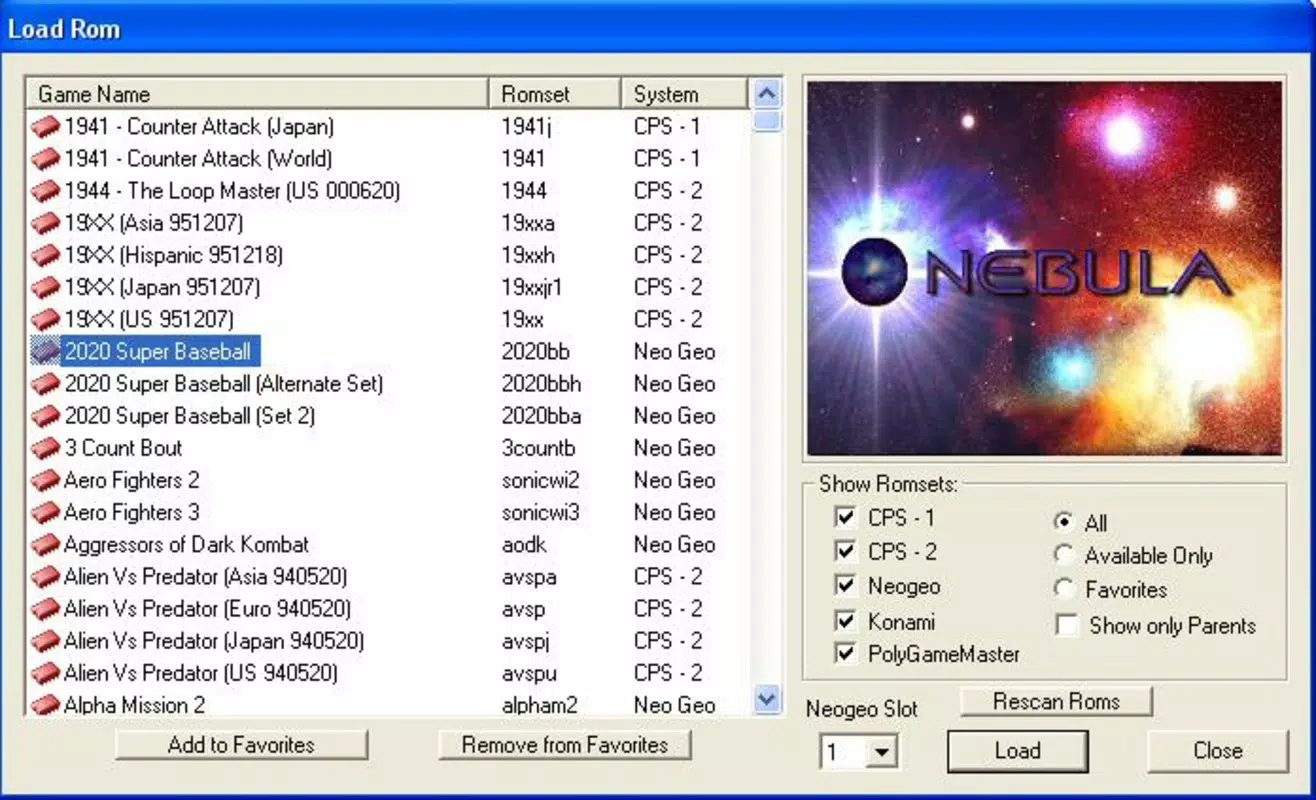
- Simple Folder-Based Game Management – Inspired by MAME’s structure, Nebula uses a straightforward “roms” folder system. Users can organize game files in designated directories, enabling quick access and easy updates without complex configuration.
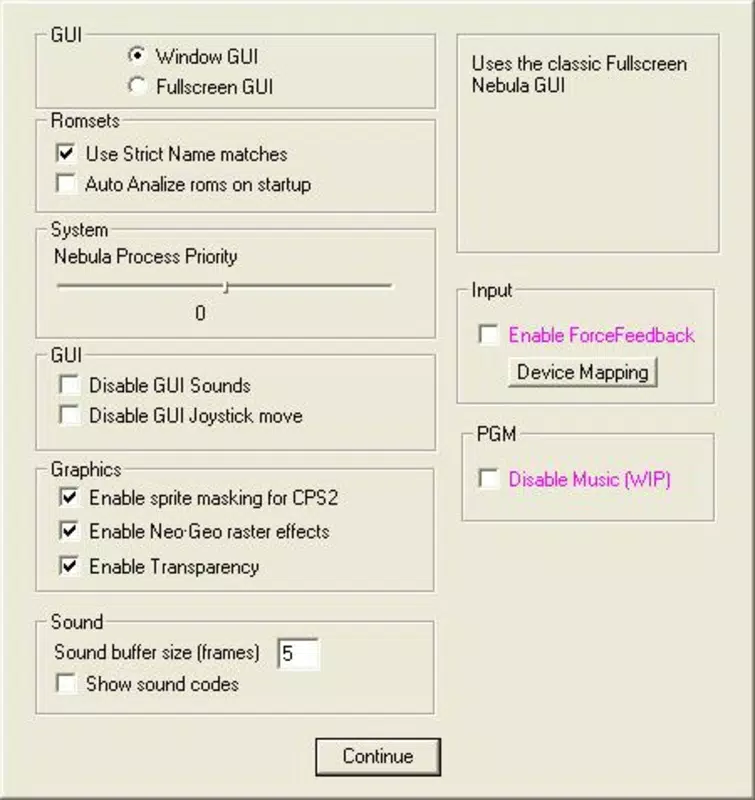
- User-Friendly Interface – The emulator features a clean, intuitive layout that simplifies game selection, system settings, and game loading. Its visual design avoids clutter, prioritizing functionality while maintaining a retro aesthetic that complements the gaming experience.
- Extensive Game Library Access – While Nebula does not include pre-installed games, it supports a wide range of CPS2 and Neo Geo titles. Users can download ROMs from external sources and integrate them seamlessly into the emulator’s library.
- Save and Resume Functionality – Players can save game progress at any point and resume gameplay later, a crucial feature for longer sessions or games with multiple stages and difficulty levels.
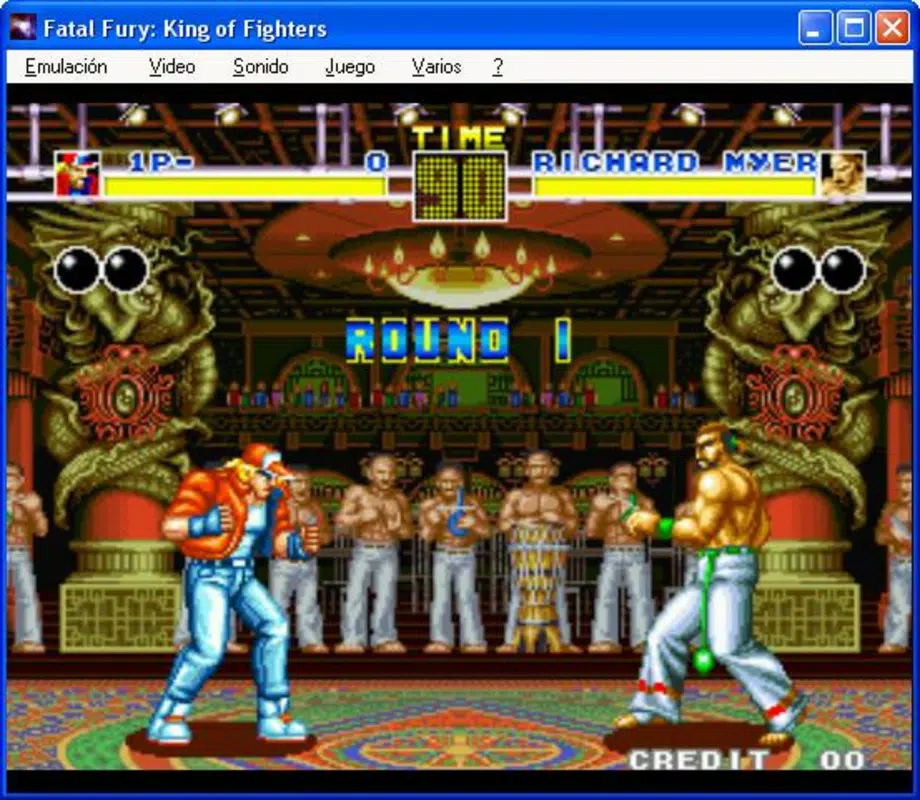
For example, a user can store a collection of Street Fighter II ROMs in the “roms” folder, launch the emulator, select the game, and begin playing instantly. The ability to save progress mid-fight ensures no loss of progress due to interruptions. This functionality enhances usability for both casual and dedicated players who value continuity and convenience.
Interface, UX & Performance
The interface of Nebula is designed with simplicity and efficiency in mind. It presents a minimalistic layout that focuses on game selection and essential controls, reducing cognitive load during gameplay. Navigation is linear and predictable, with clear visual cues guiding users through game loading and system settings. The visual style leans toward retro minimalism, using monochrome and dark themes that reduce eye strain during extended gaming sessions.
Although the developer did not list formal performance metrics, the emulator’s lightweight footprint of 42.2 MB suggests optimized resource usage. It is likely to run smoothly on mid-range Windows systems, though performance may vary depending on hardware capabilities. Responsiveness is consistent across different device categories, including desktops and laptops, with minimal lag during game execution. Stability appears to be a priority, as the app does not require frequent restarts or crash recovery procedures.
Users report smooth transitions between game loading and in-game action, indicating efficient memory management. The lack of an installer simplifies deployment but may require users to manually manage file paths. Overall, the UX is accessible even for those with limited technical experience, making it suitable for both newcomers and seasoned emulator users.
Platform Compatibility & Technical Requirements
Nebula is available exclusively for Windows, making it accessible to users on the most widely used desktop operating system. The current version is 1.0.1, released on August 2, 2024. The app has a file size of 42.2 MB, which is compact for a full-featured emulator. This small footprint ensures fast downloads and minimal storage usage, ideal for users with limited disk space.
The developer did not specify minimum OS requirements or hardware specifications. However, given its lightweight nature and focus on emulation, it is expected to run on systems with Windows 7 or later. Compatibility with newer Windows versions such as Windows 10 and 11 is likely, though users should verify system readiness through standard compatibility checks. No additional dependencies or runtime environments were mentioned, suggesting a standalone executable.
Pros and Cons
Pros
- Free to download and use, eliminating cost barriers for retro gaming enthusiasts.
- Specialized CAPCOM CPS2 emulation for authentic gameplay of classic arcade titles.
- Simple folder-based structure simplifies game organization and management.
- Lightweight design with minimal system resource usage.
- Supports save and resume functionality for uninterrupted gameplay.
Cons
- No installer provided; users must manually manage file placement and execution.
- Does not include any pre-installed games, requiring external ROM acquisition.
- Specific system requirements were not disclosed, limiting user preparation.
- Platform availability is limited to Windows only, excluding macOS and Linux users.
- Developer did not provide update logs or changelogs for version 1.0.1.
FAQ
Is Nebula safe to download and use?
Yes, Nebula is a legitimate emulator developed by the Nebula Team. However, users should only download the app from official or trusted sources to avoid potential malware. Always verify file integrity before execution.
Can I play Street Fighter on Nebula?
Yes, Nebula supports CAPCOM CPS2 emulation, which includes popular titles like Street Fighter II and Street Fighter Alpha. These games can be played as long as the correct ROM files are available and properly placed in the designated folder.
Do I need to install Nebula?
Nebula does not come with an installer. It runs as a standalone executable. Users can simply extract the files and launch the app directly from the folder.
Are there any legal concerns with using Nebula?
While the emulator itself is legal, the use of ROMs depends on copyright laws. Users should only use ROMs of games they legally own. Downloading ROMs from unauthorized sources may violate intellectual property rights.
How do I update Nebula?
Updates are typically released by the Nebula Team through official channels. Users should monitor the developer’s website or community forums for new versions and release notes.
Final Thoughts
Nebula stands out as a focused, efficient emulator tailored for fans of CAPCOM CPS2 and Neo Geo games. Its clean interface, lightweight design, and robust emulation capabilities make it a compelling choice for retro gaming enthusiasts. While it lacks an installer and pre-loaded content, its simplicity and functionality more than compensate for these minor drawbacks. The ability to save progress and access a wide range of classic titles enhances its long-term value.
For users seeking a free, reliable way to play nostalgic arcade games like Street Fighter, The King of Fighters, and Metal Slug, Nebula delivers a satisfying experience. It’s particularly well-suited for those who appreciate technical precision and minimal distractions in their gaming setup.
Download Nebula now


